Connect the SM-PCE02 to 12-speed bikes for troubleshooting
There are so many ways to connect a 12-speed bike to a windows computer, it can get rather confusing - here are some of my own preferred methods of connecting these bikes to the SM-PCE02.
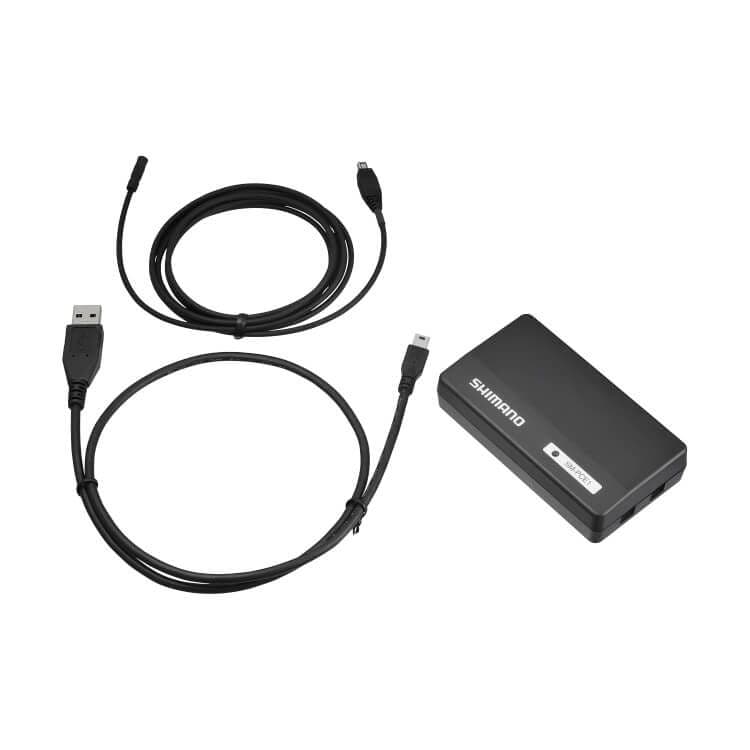
The Shimano PC Linkage Device SM-PCE1 can be used to update firmware and customize your Di2 settings.
It can also help troubleshoot problems and restore a non-responsive Di2 system.
The device has one green LED, one USB port, and two E-tube ports. It is about twice the price of the Shimano SM-BCR2 battery charger, which also doubles as a PC-interface. The SM-PCE1 is therefore mainly found at bike shops.
It does NOT work with E-Tube Project V5 / Professional, and is NOT 12-speed compatible.
Using the affiliate links to purchase anything earns the site a small commission, at no additional cost to you.

Regarding the troubleshooting and diagnostics functionality, this device does a fair bit more than the regular charger. It has the ability to connect to a single component, instead of only connecting to your entire bike. It also lets you recover crashed components and restore their firmware. However, it does not charge your bike. Note that the SM-PCE1 should be connected directly to a PC - Shimano recommends you do not use a USB hub.
In order to use the SM-PCE1 with a PC, you have to install the Shimano e-Tube project software. Sometimes E-Tube Project V4 will complain that your SM-PCE1 firmware is old. To fix that, update the SM-PCE1 firmware using E-Tube Project 3.4.5.
In case you're having a hard time getting your SM-PCE01 to work, I've uploaded the Windows drivers.
Download the zip file, extract it to your hard drive, and then run the file "usbinst.exe".
Note that you may have to run this file as administrator.
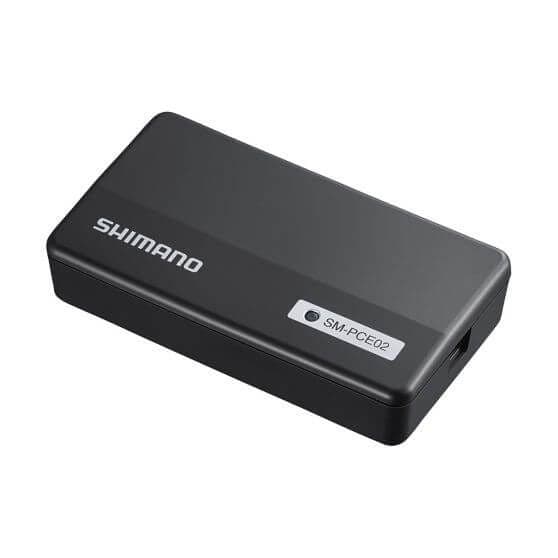
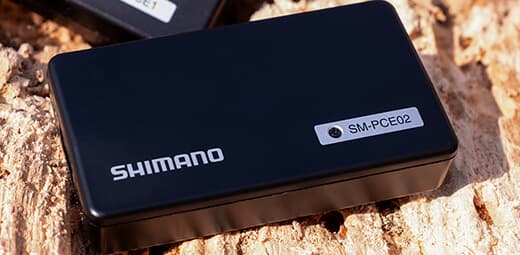
The SM-PCE02 and SM-PCE1 are very similar. Shimano's newer SM-PCE02 is a lot smaller, operates more efficiently (faster) and adds the battery-check functionality. This can be used to check whether there is anything wrong with the battery consumption of the connected bike/unit/component.
If you own the SM-PCE1 and have recently updated your Shimano E-Tube Project software recently, you may have seen that E-Tube Project Professional / V5 does not support the SM-PCE1. It simply won't work. Only the newer SM-PCE02 works with E-Tube Project Professional.
Also, only the SM-PCE02 will let you update 12-speed Di2 systems using E-Tube Professional.
This doesn't mean your SM-PCE1 is useless though. It is still the only model that can restore a corrupt SM-BMR1.
To use your SM-PCE1, simply install E-Tube Project 4.0.4, or version 3.4.5. You can install different E-Tube versions on the same PC, without having to uninstall the other versions.
Read more on E-Tube Project on the Software and Tools page.
There are so many ways to connect a 12-speed bike to a windows computer, it can get rather confusing - here are some of my own preferred methods of connecting these bikes to the SM-PCE02.
Looking for an older E-Tube Project version? For example to update your older Di2 bike? Download E-Tube Project right here.